Synthesia
The business AI video platform used by 90%+ of the Fortune 100: 240+ avatars, 160+ languages, dubbing, interactive videos and roleplay agents. A free mini-course on making training videos that work.
What it nails
- Used by 90%+ of the Fortune 100
- 240+ avatars and 160+ languages
- Free plan with 10 minutes a month
Watch out for
- Credits don't accumulate; purchases non-refundable
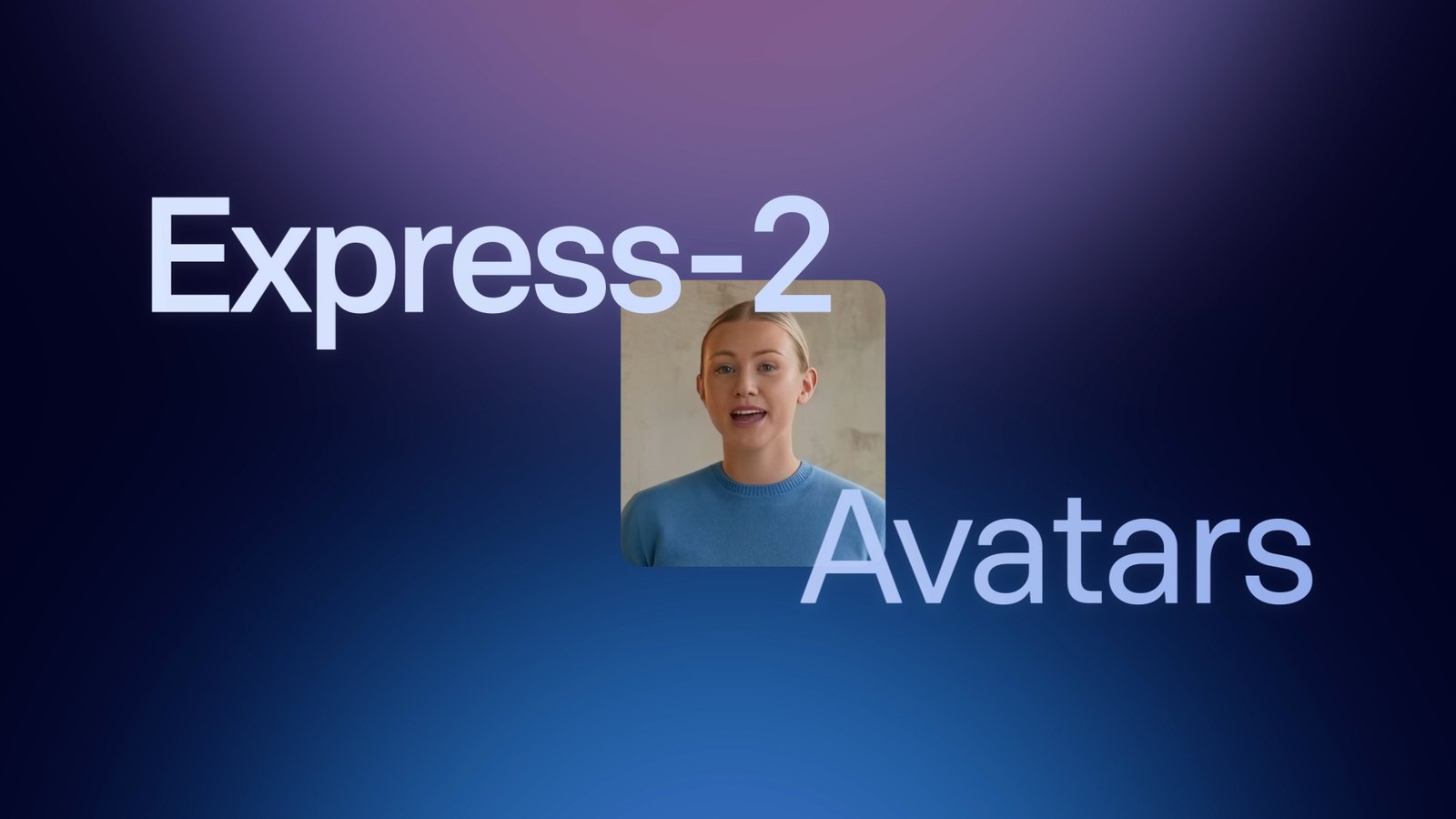
Synthesia is the "All-in-one AI Video platform for business": type or paste a script, pick an avatar, and get a presenter video in 160+ languages. It says it is trusted by "50,000+ companies" and "90%+ of the Fortune 100". Its Express-2 avatars (September 2025) "move and talk like professional speakers, with facial expressions, perfect lip sync, and natural hand gestures", and Synthesia 3.0 added Video Agents that "can talk, listen, and act in real time".
Start here: the basics
- Sign up free, "no credit card required": up to 10 minutes of video a month.
- Start from a prompt with the Assistant, or from a template or a blank scene.
- Write the script (up to 5 minutes per scene), add pauses from the right-click menu, and fix any word with the pronunciation tool.
- Pick an avatar and voice, or make a personal avatar from a photo or webcam.
Prompt to video: official examples
One sentence is enough for the Assistant to draft a complete avatar video.
Create a short, friendly onboarding welcome video for a new team member.
Example by Synthesia · source ↗
Create a short training video that explains fundamentals of creating and maintaining secure passwords.
Example by Synthesia · source ↗
Create a promotional marketing video for a fictional productivity tool called Synergy Flow.
Example by Synthesia · source ↗
Create an onboarding video for new product managers at a fintech company. The goal is to explain our product development lifecycle and key collaboration tools. Keep the tone professional but friendly.
Example by Synthesia · source ↗ · Add a PDF, deck or web page as source, then pick a length and style.
Lesson: write scripts that sound human
From Synthesia's script guide:
- Plan for "130-150 words per minute".
- Keep sentences "between 8-16 words".
- Use "more contractions, casual phrasing, and conversational language".
- "Make use of pauses between complex ideas."
- Keep on-screen text to "6-9 words per line".
- Spell tricky words the way they sound: "toh-MAY-toh", "five hundred seventy-three", "support at company name dot com".
Creating [specific task] shouldn't take [current time]. Here's how to do it in [shorter time].
Example by Synthesia · source ↗ · Synthesia's own opening template. Fill in the brackets.
Power moves
1. AI b-roll inside your video
Synthesia generates video and images with partner models (Veo 3.1, Gemini Omni, Nano Banana Pro, GPT Image 2 and FLUX.2). Press Tab to auto-write a prompt from your script.
A photorealistic cinematic video of a happy golden Labrador retriever running toward the camera across a sunlit grassy park.
Example by Synthesia · source ↗
An adventurous scene deep inside a massive ice cavern where explorers run with flickering torches, their warm light bouncing chaotically off translucent frozen walls. The camera follows from behind, revealing layers of stratified ice, embedded air bubbles, and glacial blue gradients.
Example by Synthesia · source ↗
A dense, atmospheric night scene in a neon-lit Chinatown alley during a torrential downpour. The camera glides forward at ground level, catching the shimmering reflections of magenta, cyan, and amber holographic signs rippling across slick pavement.
Example by Synthesia · source ↗
2. AI dubbing and one-click translation
AI Dubbing gives "translations with frame-accurate lip sync" into 30+ languages; Enterprise adds one-click translation into 80+ languages.
3. Interactive videos and roleplays
Add "clickable video elements like call-to-actions and branching", or run Roleplay Sessions to "practice real conversations with Interactive Avatars, get live coaching, and measure skills uplift".
4. Your own avatar and voice
Make a personal avatar from a photo or webcam; Express-Voice "creates your perfect voice clone in seconds, matching your tone and preserving your dialect".
Plans and credits
| Plan | Price | What you get |
|---|---|---|
| Basic | $0 | 1,200 credits a month: up to 10 minutes of video |
| Starter | $29 / month ($18 yearly) | 10 minutes a month, 3 personal avatars, no Synthesia logo |
| Creator | $89 / month | 30 minutes a month, 5 personal avatars, 180+ avatars |
| Enterprise | Custom | Unlimited video minutes, 240+ avatars, 80+ languages one-click translation |
- "Each second of a video uses 2 credits"; a one-minute video uses 120.
- "Credits for usage are reset at the start of the billing period and there is no accumulation of unused credit."
- Purchases are "non-cancelable and... non-refundable". Cancel before renewal.
Make your b-roll in the Lab
Synthesia charges 96 to 192 credits for one Veo 3.1 clip. AI Whisperer Lab runs Veo 3.1, Gemini Omni Flash, Nano Banana Pro, GPT Image 2 and Flux 2 by the run, with the price shown before you click and credits that never expire. Make b-roll in the Video studio, images in the Image studio, and voiceovers with ElevenLabs in the Audio studio, then drop them into any video.
Synthesia requires "explicit consent from the person whose likeness is used", so avatars of celebrities or politicians are not possible, and consent must be recorded live. On Trustpilot (read 25 September 2026) it scores 3.9 from 1,823 reviews; common complaints are unexplained moderation rejections and credits that do not roll over.
FAQ
Is Synthesia free?
Yes. The Basic plan is free, with up to 10 minutes of video a month and the Synthesia logo.
How many languages does Synthesia support?
160+ languages and voices on all plans.
Can I make an avatar of myself?
Yes, from a photo or webcam recording, with a live consent video.
Do Synthesia credits roll over?
No. Credits reset every billing period.
What are Express-2 avatars?
Full-body avatars that gesture naturally while speaking, output in 1080p at 30fps.
Sources: Synthesia · Synthesia 3.0 · Pricing · Credits · How to write a video script · AI assets