Colossyan
The AI video platform built for training: turn documents, PDFs and slides into avatar videos with quizzes, branching and SCORM export for your LMS. A free mini-course for L&D teams and creators.
What it nails
- Documents, PDFs and slides to video
- Up to 4 avatars talking in one scene
- Quizzes and SCORM export for your LMS
Watch out for
- Unused minutes don't roll over
Colossyan is an AI video platform made for learning and training: "Create high quality training content in a fraction of the time." Its AI agent Cora "reads the source, breaks it into scenes, cites the line each scene came from, and stops for your approval", so a policy PDF or a slide deck becomes an avatar-led video with quizzes you can publish to your LMS. It lists customers like Johnson & Johnson, UPS and Paramount.
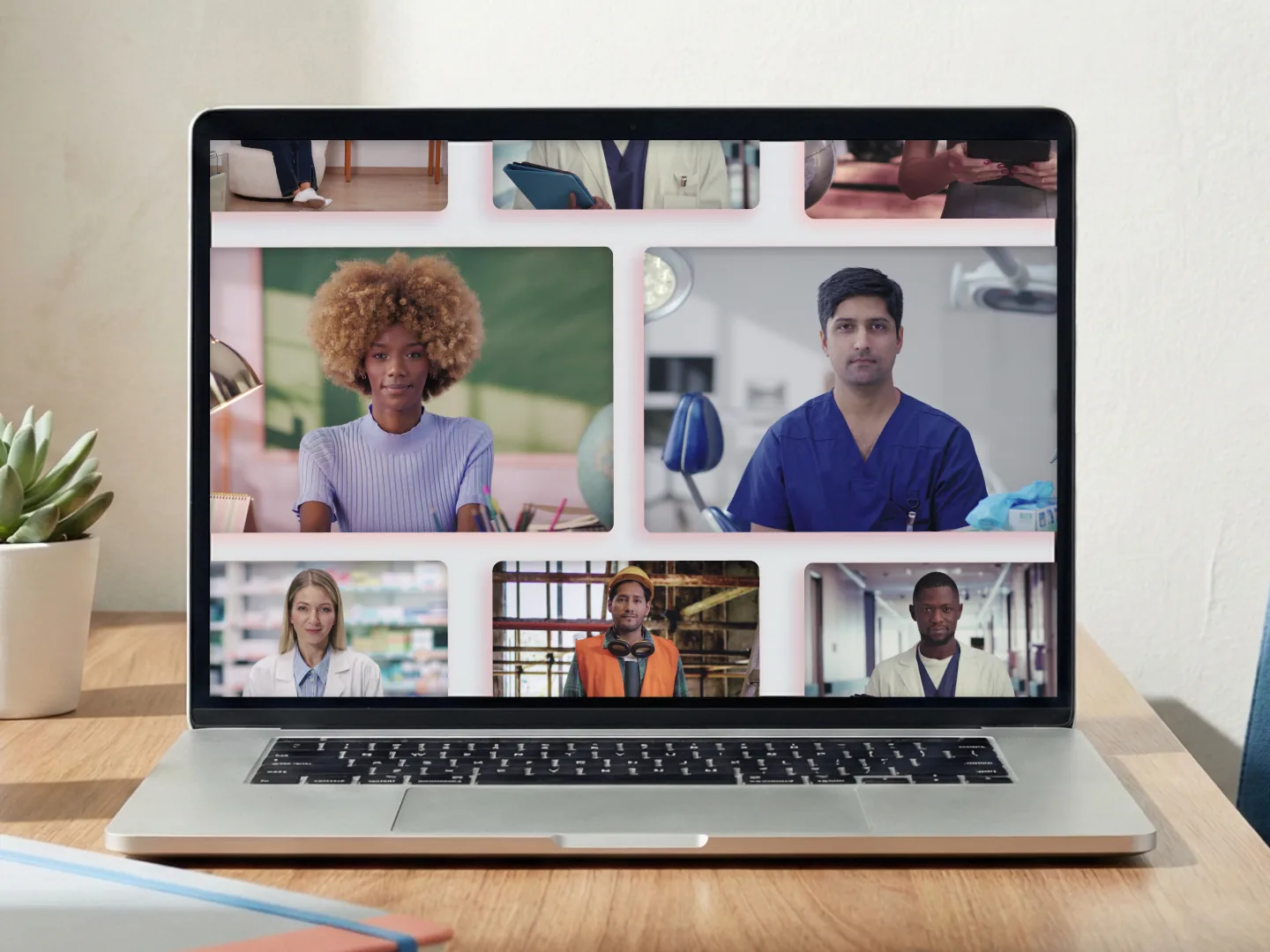
Start here: the basics
- Start free, "No credit card required", with the full library of 300+ avatars (videos carry a watermark).
- Bring your source: a document, PDF, slide deck or web page, or write a prompt of at least 25 characters. A draft takes 30 to 60 seconds.
- Edit the scenes and script: type "/" for a pause, and use the pronunciation tool for tricky words.
- Add quizzes and branching, then export as MP4 or SCORM.
Lesson: context plus direction
Colossyan's rule: think of your document as the "context" and the prompt as the "direction". Its prompt formula is [Topic] + [target audience] + [goal], at "around 125–150 words per minute".
Create a warm, welcoming 4-minute onboarding video with a friendly female avatar introducing new employees to our company culture, covering our mission, values, and what makes our team special. Use an enthusiastic but professional tone and end with encouragement about joining the team.
Example by Colossyan · source ↗ · An official prompt: topic, audience, goal, tone and ending.
Create a tutorial that explains the core updates to our product to help new and existing customers use the new feature X.
Example by Colossyan · source ↗ · Attach your release notes: the document is the "context", the prompt is the "direction".
From real documents to finished scenes
Acme's workplace safety manual is a working document. Over the next four minutes, we'll cover the three things every employee needs to know on day one. Reporting hazards. Using safety equipment. And what to do when something goes wrong.
Example by Colossyan · source ↗ · Scene 1 of an official document-to-video example.
Most scams share the same tells: urgency, authority, an unexpected link, and an unexpected attachment. When two or more arrive together, slow down and treat the message as suspicious. A few seconds of doubt is the cheapest security control you have.
Example by Colossyan · source ↗ · Scene 3 of an official PDF-to-video example.
Welcome to Acme. Over the next four minutes, we'll walk through your first week. What to do, who to meet, and how to get help. This video is yours to watch on your own time. There's a quiz at the end.
Example by Colossyan · source ↗ · Scene 1 of an official script-to-video storyboard.
Script tips from the help center
- "If your sentence ends with a number, make sure to spell the number out to avoid an upward inflection" (1990 becomes "nineteen ninety").
- Paid plans allow "up to 5000 characters to the script per scene"; the free trial allows 1,000.
- Use the "Edit with AI" assistant to shorten or rephrase a scene.
Power moves
1. Conversations between avatars
"Create a conversation in your videos with up to four avatars in one scene": write each speaker as a new paragraph and assign an avatar with the + icon. Great for role-plays and customer scenarios, on every plan.
2. Interactive, graded training
Add "click-through buttons inside the video", "graded questions, reported to your LMS", and export "SCORM 1.2 or 2004, with your own rules".
3. NEO 2 avatars and translation
NEO 2 brings "full-body movement, more natural expressions"; "Every avatar lip-syncs in every language", and translation covers 100+ languages "without a second recording".
4. Instant Avatars of yourself
"Simply film a 20-second video using your phone or camera" (about a minute is recommended, 1080p at 30fps).
Plans and minutes
| Plan | Price | What you get |
|---|---|---|
| Starter | Free | 20 minutes a month with NEO, 0.5 with NEO 2, watermark |
| Professional | $59 / month (yearly) | 30 minutes with NEO, 10 with NEO 2, no watermark, 5 SCORM exports a month |
| Enterprise | Custom | Unlimited minutes, avatars, voices and SCORM |
- "If you are under your video minute limit at the end of a billing period, your unused minutes will not roll over."
- Annual plans get "all of your minutes for the year upon purchasing".
- Annual plans stay active to the end of the term; "Unused months are not refunded."
Make the pieces in the Lab
AI Whisperer Lab does not make training avatars, but it runs the assets around them by the run, with credits that never expire: voiceovers with ElevenLabs in the Audio studio, diagrams and scene images with Nano Banana Pro or GPT Image 2 in the Image studio, and b-roll with Veo 3.1 or Kling 3.0 in the Video studio.
Colossyan says "All avatars are real people who have explicitly consented", and Instant Avatars can only be made of yourself, with celebrity and age checks. Reviewers on G2 mention repetitive avatar movements and editing limits.
FAQ
Is Colossyan free?
Yes. The Starter plan is free, with a watermark and limited minutes.
Can Colossyan turn a PDF into a video?
Yes. Upload a document, PDF, slide deck or web page and Cora drafts the scenes, citing the source line for each.
Does Colossyan work with my LMS?
Yes. Export as SCORM 1.2 or 2004 with quiz results reported to your LMS.
Can two avatars talk to each other?
Yes, up to four avatars in one scene, on every plan.
Do Colossyan minutes roll over?
No. Unused minutes do not carry over to the next period.
Sources: Colossyan · Features · Pricing · Conversations between avatars · Script tips · Ethics